Register as a new Navi user
This page explains how to set up your Navi zone control system so you can control your system from your mobile phone.
Connect to local Wi-Fi network
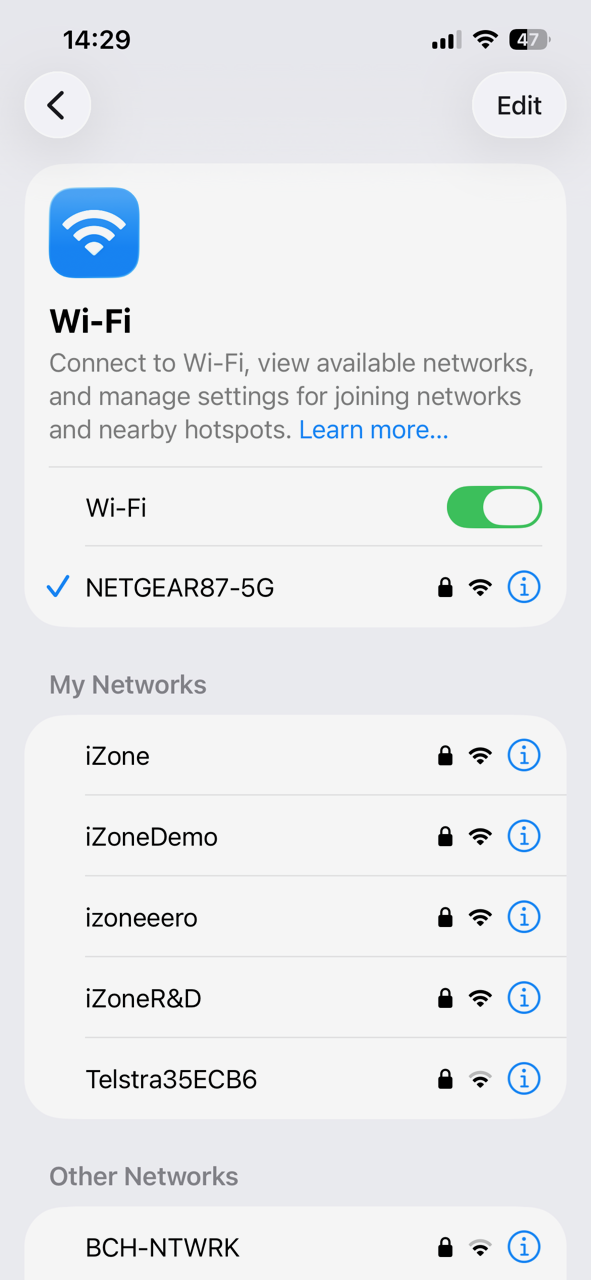
On your mobile phone, make sure you're connected to your home Wi-Fi network. Users cannot link their account while operating on 5G mobile data. Disable any VPN or firewall apps on your phone if they are active, as these can block the initial connection.
Download iZone Home
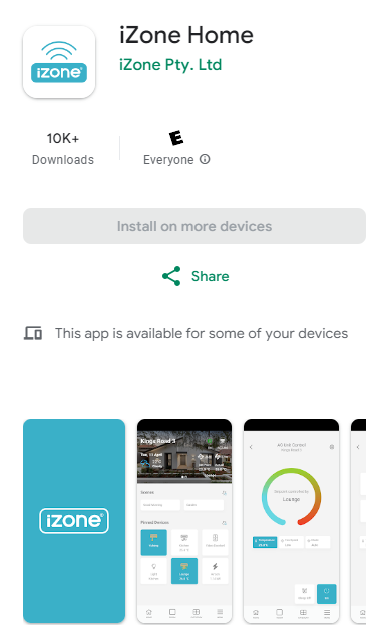
Dowload the iZone Home mobile application from your online mobile store.
- Google Play Store (Android)
- App Store (Apple)
Register and link account
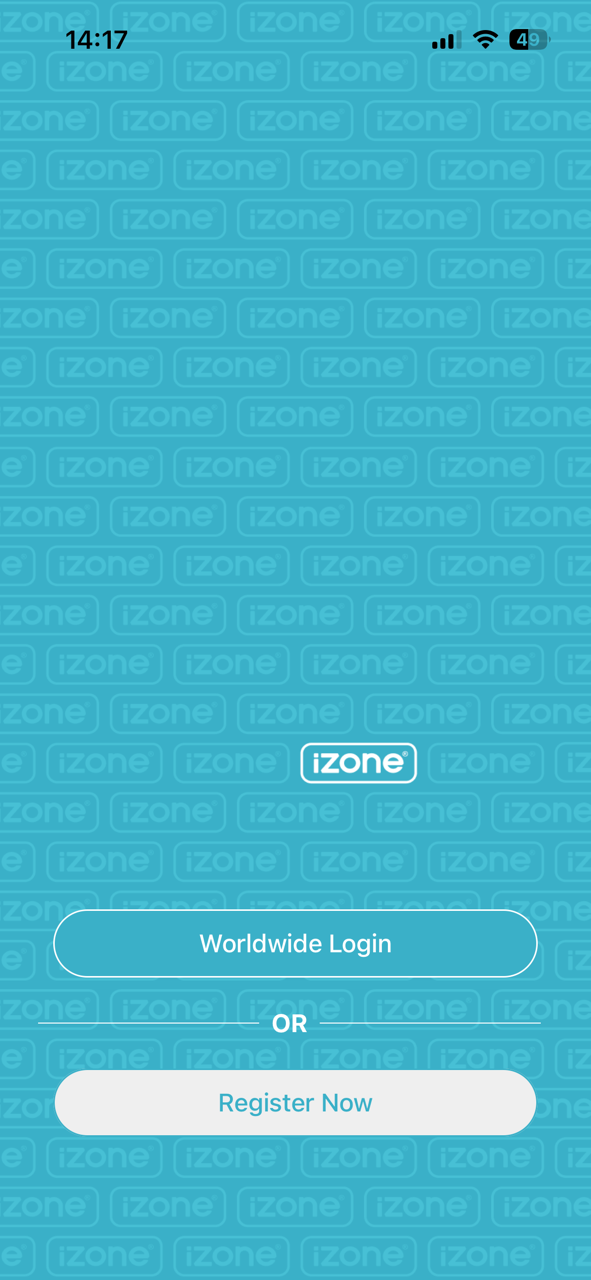
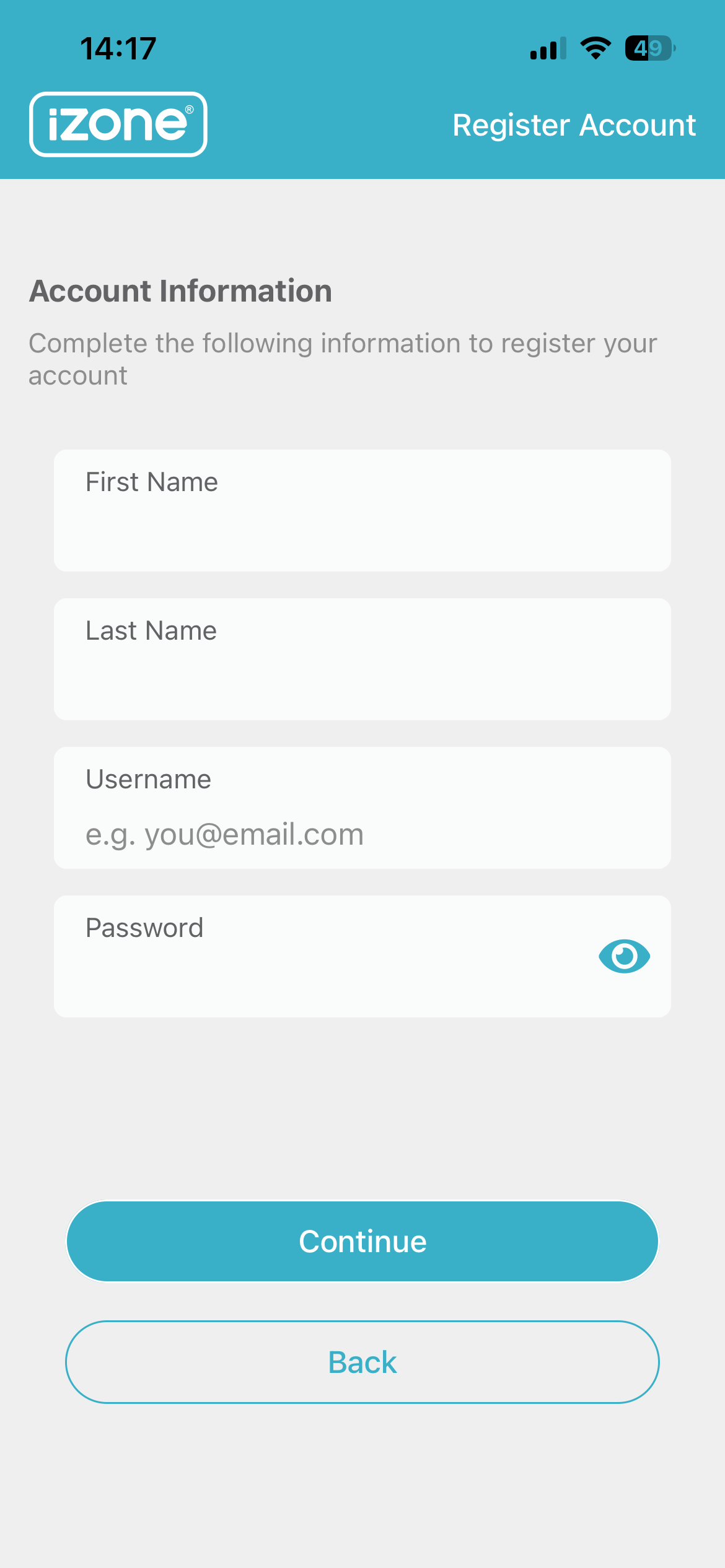
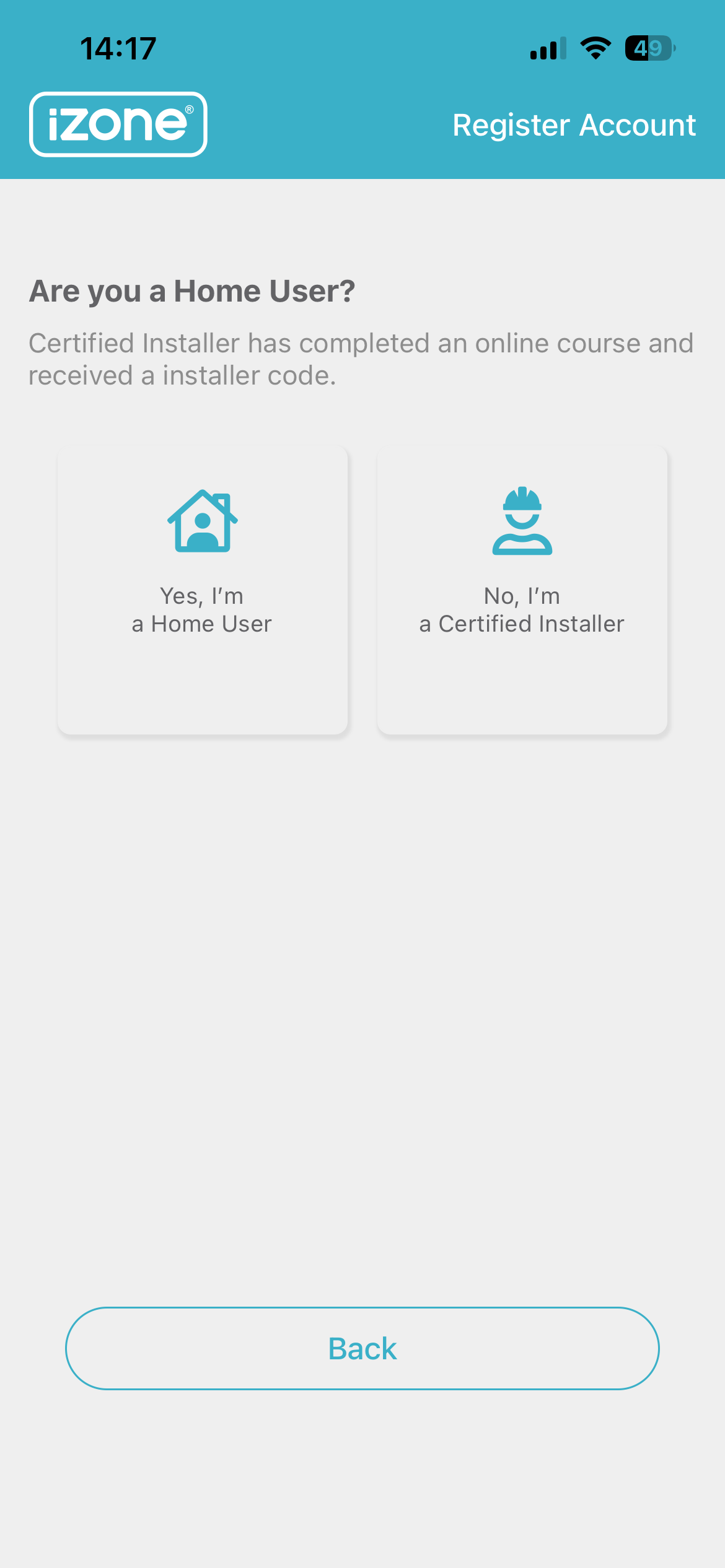
Select Register Now and follow the on screen suggestions to activate your account. Select Yes, I'm a Home User when prompted.
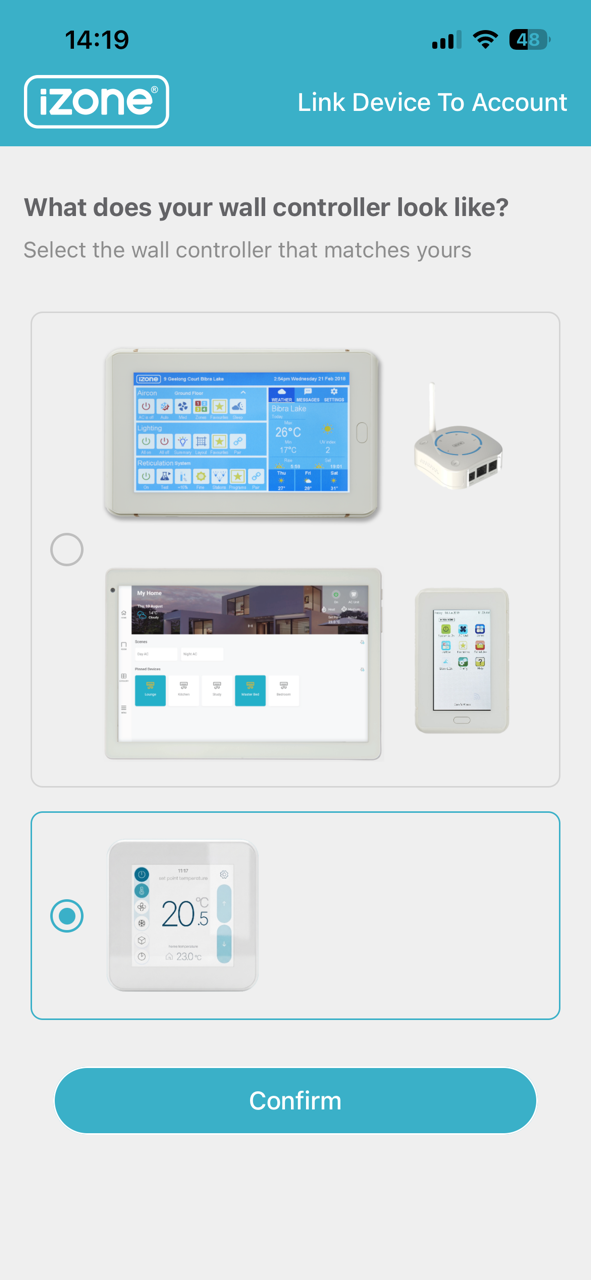
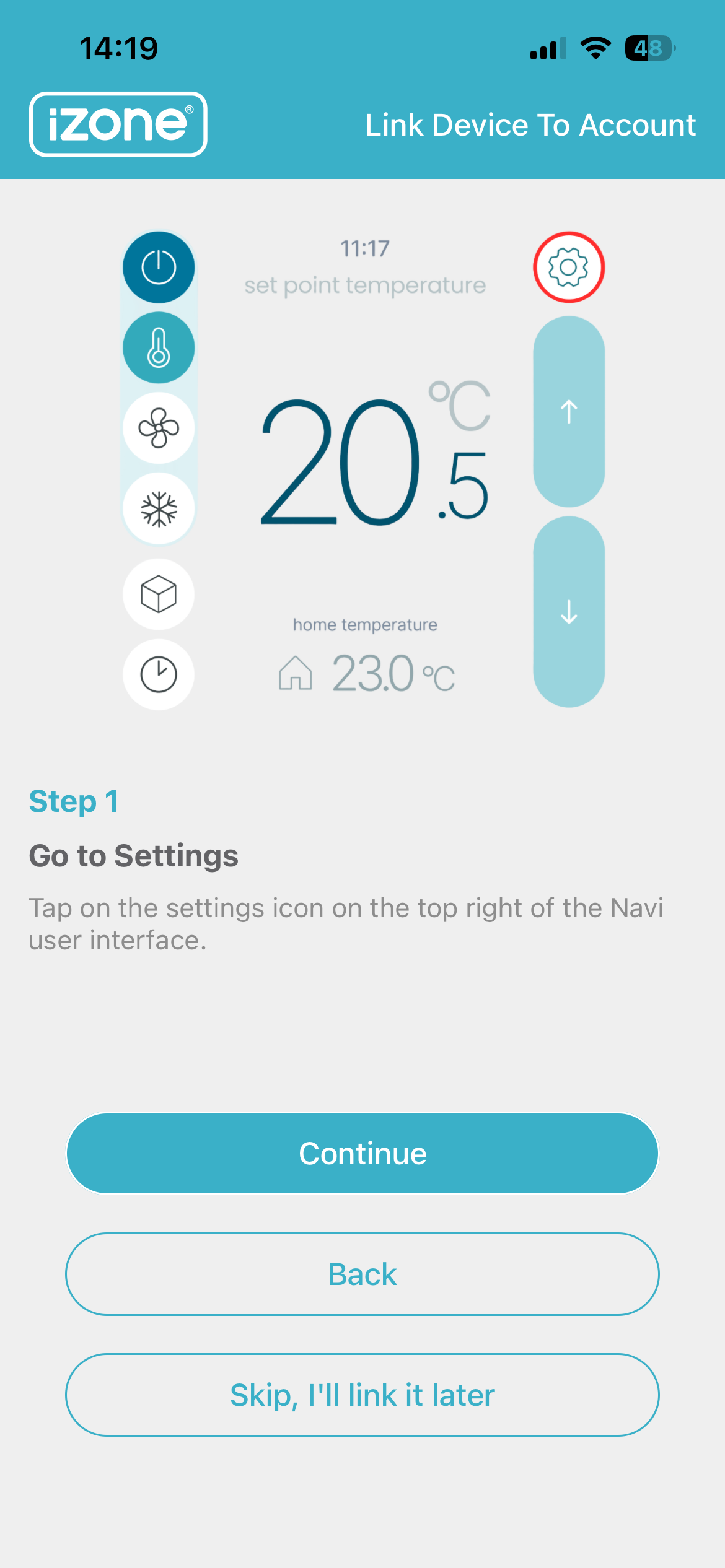
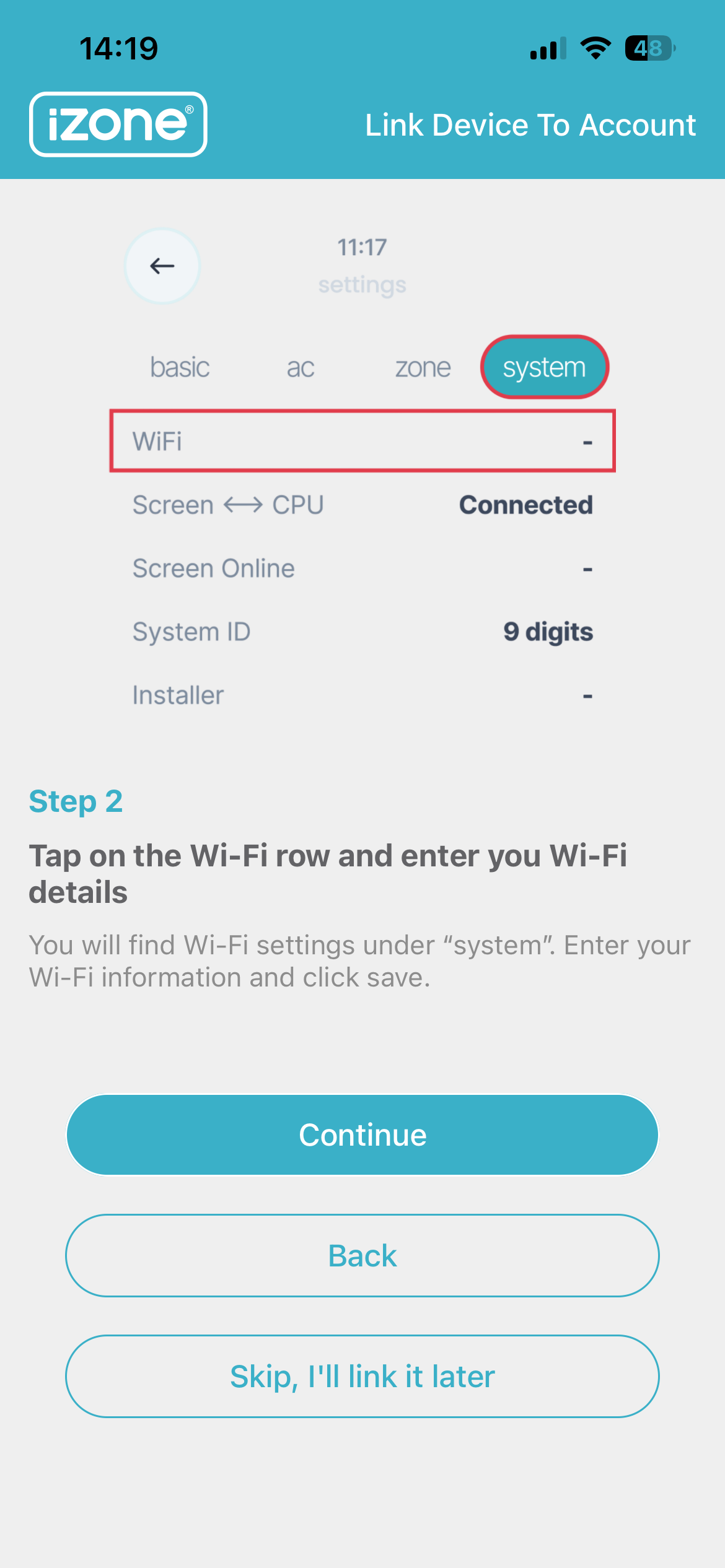
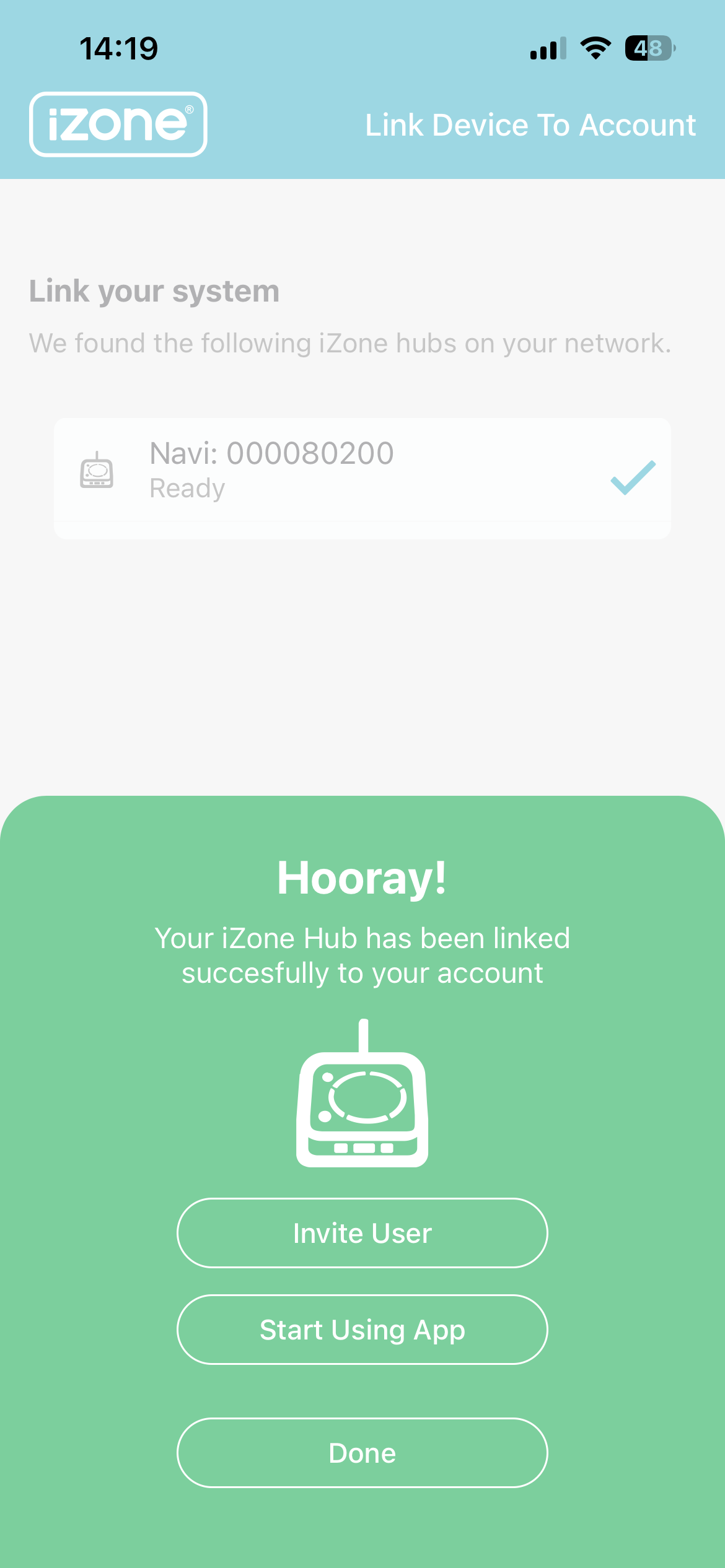
Select the Navi option when prompted to choose your wall controller. Connect to the same Wi-Fi network as your mobile phone and link your account to the system.
Start using your mobile
You can now control your air conditioning system from your mobile app.