Navi wall controller
Part number: CNAW
Overview
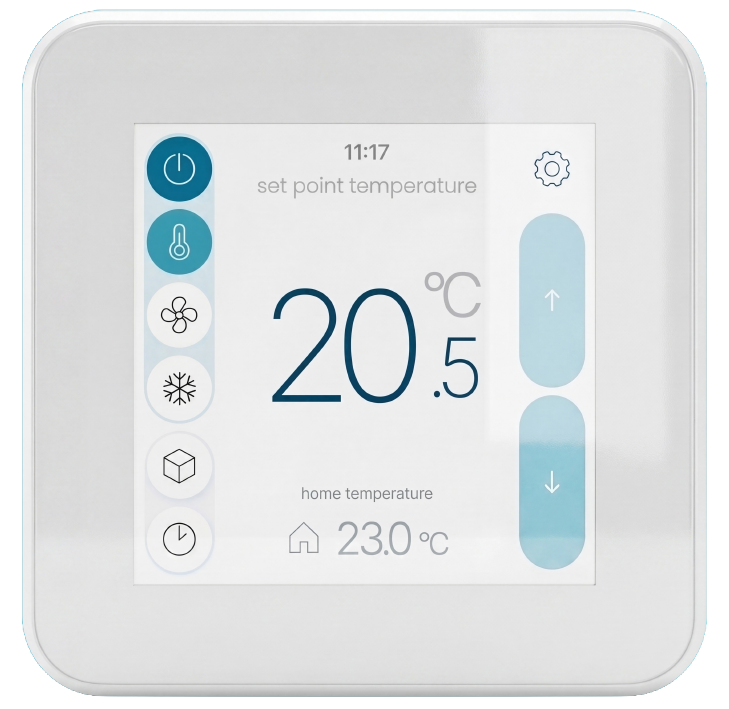
The Navi wall controller is the 4.3″ touch screen with a CAT5 network connection. The touch screen provides a user interface where a user can communicate with the zone control system. Both power and communication is facilitated via the CAT5 cable.
Installation Guides
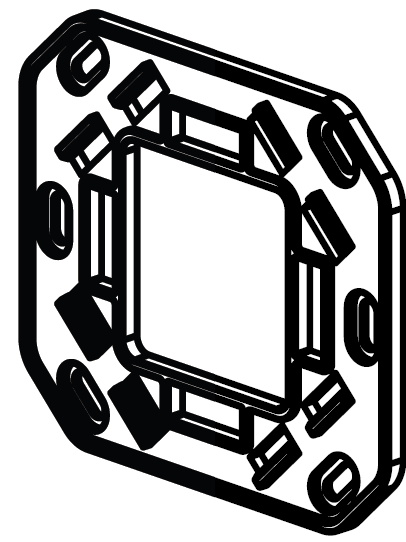
- Mount the Nova 4.3" wall controller backplate to the wall using the supplied screws.
- Route the CAT5 cable from the Screen Link Module (CSL) through the backplate opening and connect the RJ45 plug to the socket on the rear of the Navi screen.
- Rotate the Navi screen to make sure the arrow on the back points upwards (LED top right and temperature sensor bottom right)
- Once connected, align the screen with the backplate and gently press until all four retaining clips engage securely.
Refer to the Navi zone controller kit for a detailed installation guide of the full zone control kit.
User Guides
- Navi user manual
- Navi user guide LINK
Troubleshooting
No known issues.
Specifications
| Specification | Description |
|---|---|
| Power supply | Screen Link Module (CSL) |
| Communications | iZone proprietary protocol via CAT5 |
| Connectivity | WiFi 802.11 |
| Built in sensor | Temperature sensor |
| Screen | 4.3" colour capacitive touch screen |
| Resolution | 480 x 480 pixels |
| Operating system | Android |
| Dimensions | 106H x 106W x 15L mm |
| Weight | 150g |
Firmware and Updates
CNAW 1.25 - Sep 2026
- iZone Home 3.2.0
- Set the system’s initial default clock to 01/01/2000.
- Improved Neomate time resynchronisation.
- Added CSR support for wired communication to detect CSL hardware failures.
- Fixed Navi OTA to use the correct release URL instead of the debug URL.
CNAW 1.0 - Aug 2026
- First release