Screen Link Multiplexer
Part number: CSLM
Overview
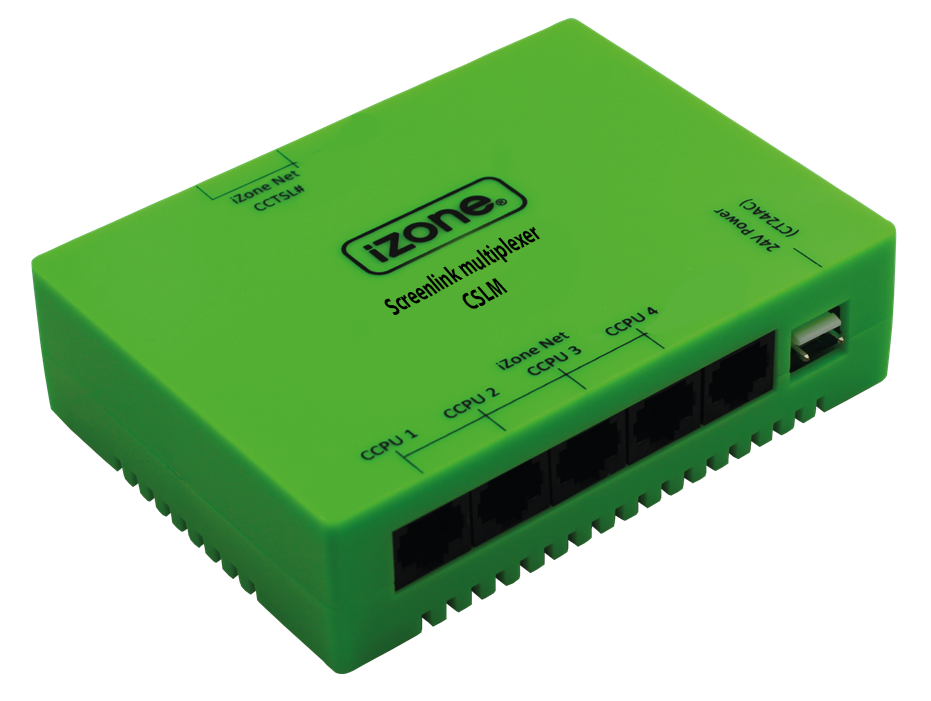
The Screen Link Multiplexer is used to display and control up to four AC systems on a single Nova CAT wall controller (CCASLWE). It also supports connecting up to two Nova CAT wall controllers to a single Multiplexer. The Screen Link Multiplexer forms part of a Screen Link Multiplexer Kit (CSLMK), wich consists of a Screen Link Module (CSLM) + 1m CAT5 cable (CFC1s) + 24VAC power supply (CT24ACE).
Installation Guides
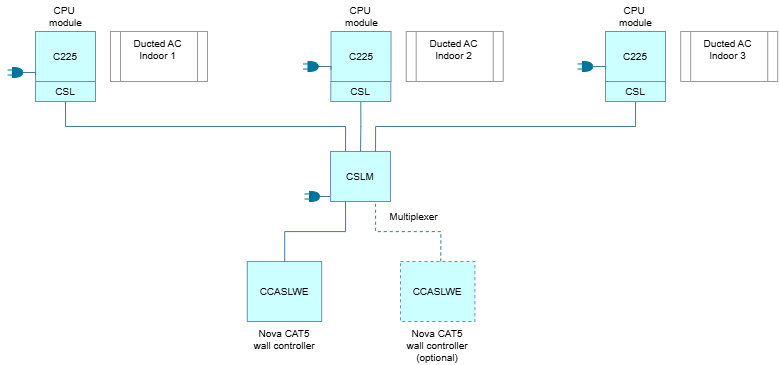
Each ducted AC unit is connected to a CPU Module (C225). A Screen Link Module (CSL) in turn is paired with a CPU Module. In order to show multiple ducted AC units on a Nova CAT wall controller, connect each CSL module to the CSLM. From there, run a CAT5 cable and connect the Nova CAT wall controller. All the systems will now be controllable from the Nova screen.
Each Multiplexer is powered seperately with a 24VAC power supply (CT24ACE). The Multiplexer can display up to 4 indoor units and a maximum of 2 Nova wall controllers can be connected.
User Guides
On the Nova user interface
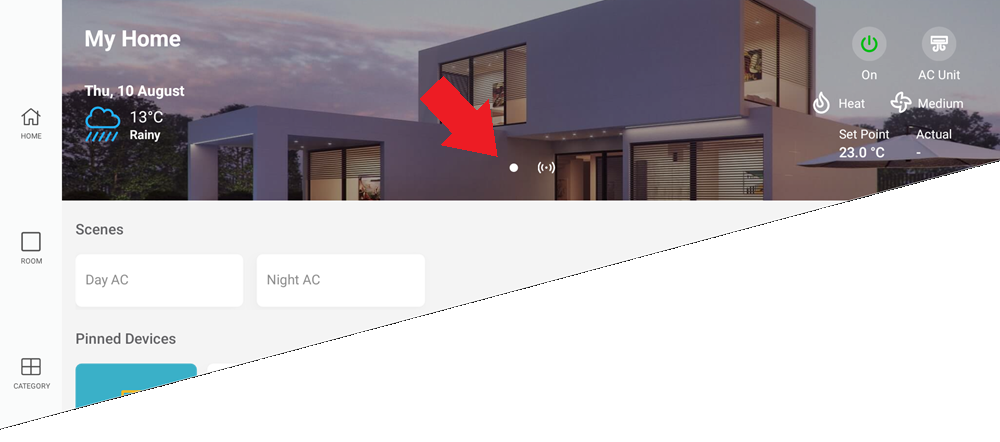
- The home screen will change to show pagination dots in the header. Each pagination dot represents an AC system. Swipe left/right to access the other systems.
- If the zones are not shown, simply tap on the tile marked with a + icon and select PIN ALL ZONES when questioned. This will pin the system's zone to the home scren.
- To make sure the pinned zones change when swiping left/right, ensure the Filter Pinned by System is enabled. Goto MENU -> Settings -> Home Screen
Troubleshooting
No known issues.
Specifications
| Specification | Description |
|---|---|
| Power supply | 24VAC 50Hz |
| Communications | CAN Bus / iZone NET |
| Number of systems | 2-4 |
| Number of Nova screens | 1-2 |
| Dimensions | 32H x 120W x 90L mm |
| Weight | 147g |
Firmware and Updates
CSLM 1.2 - Sep 2026
- Synchronising AC modes via Screen Link Module (CSLM)
CSLM 1.1 - Aug 2026
- First release